一、工具定位
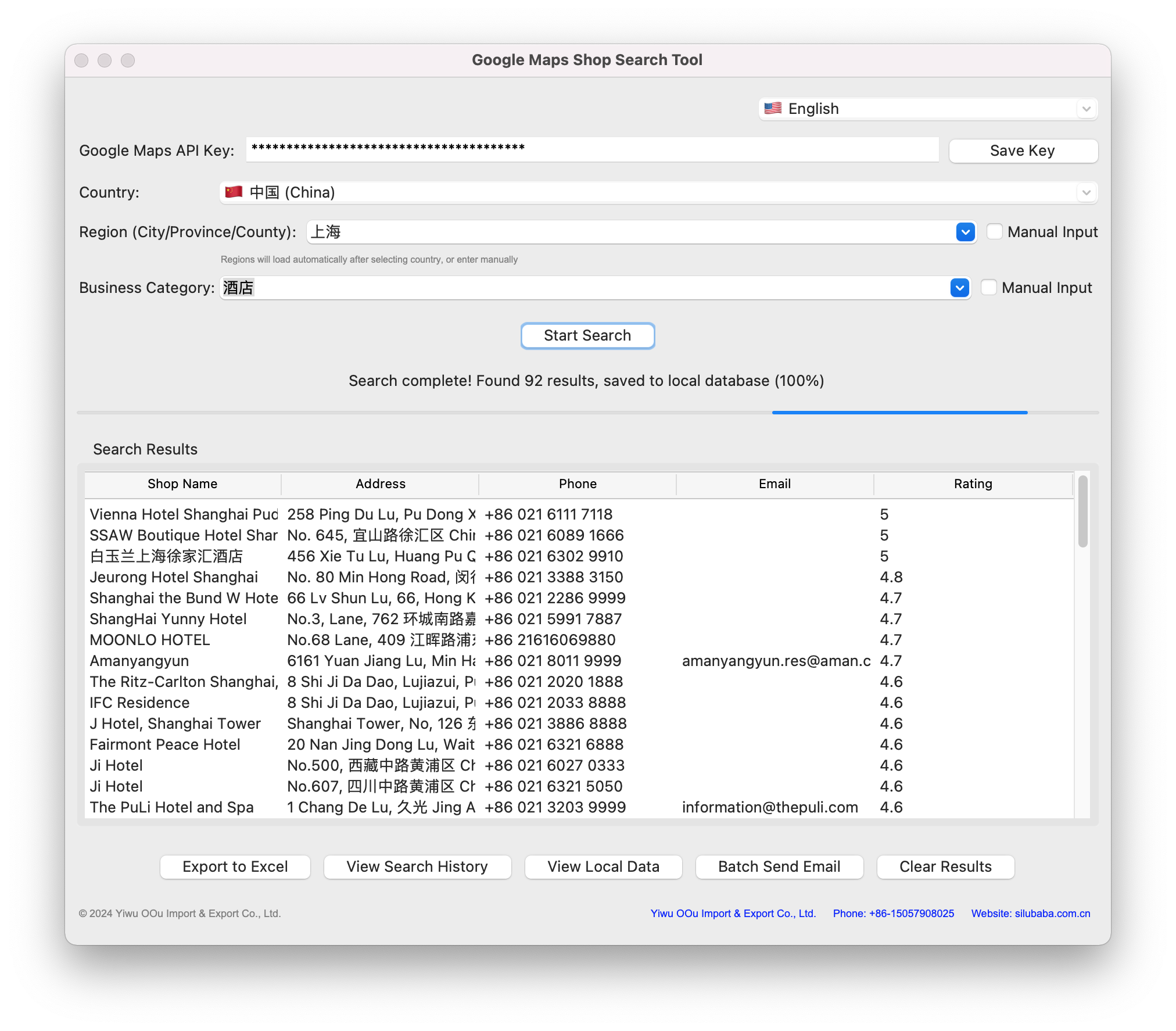
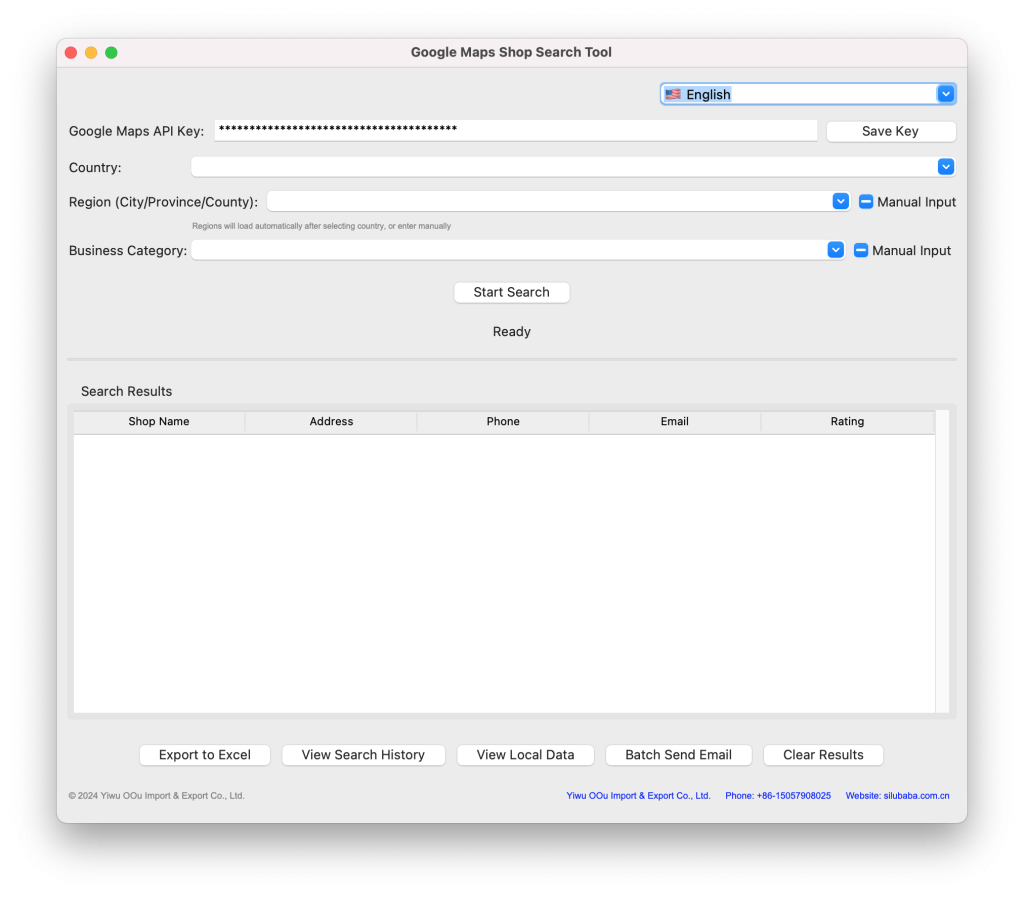
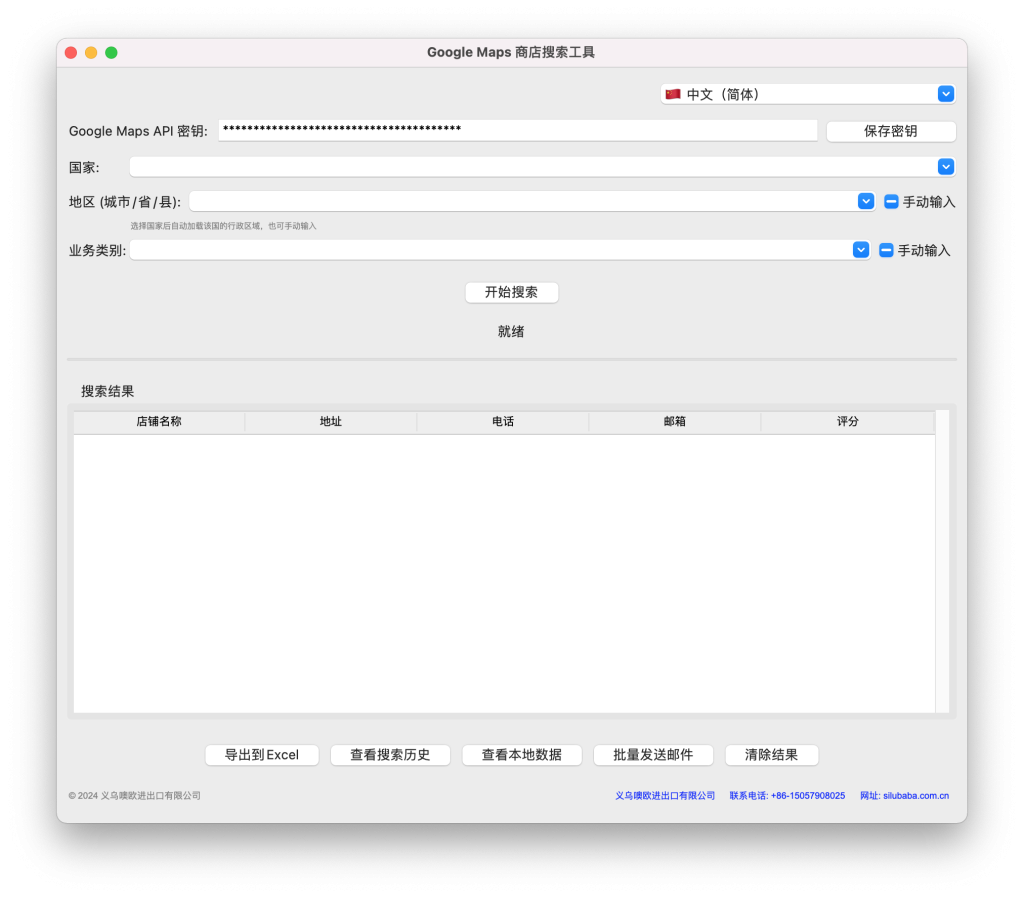
基于 Python 开发的轻量桌面 GUI 工具,依托 Google Maps API 实现全球商店信息批量搜索、存储与导出,适配市场调研、商业分析等场景,无需技术背景即可操作。
二、核心能力
- 全球精准检索:支持中英文国家 / 地区输入,自动解析国家代码;集成地址联想功能,搭配内置行业类别映射(兼容自定义关键词),提升搜索精准度。
- 完整数据提取:获取店铺名称、地址、电话(含区号)、邮箱、评分、经纬度等 10 + 字段,详情拉取失败仍保留基础数据。
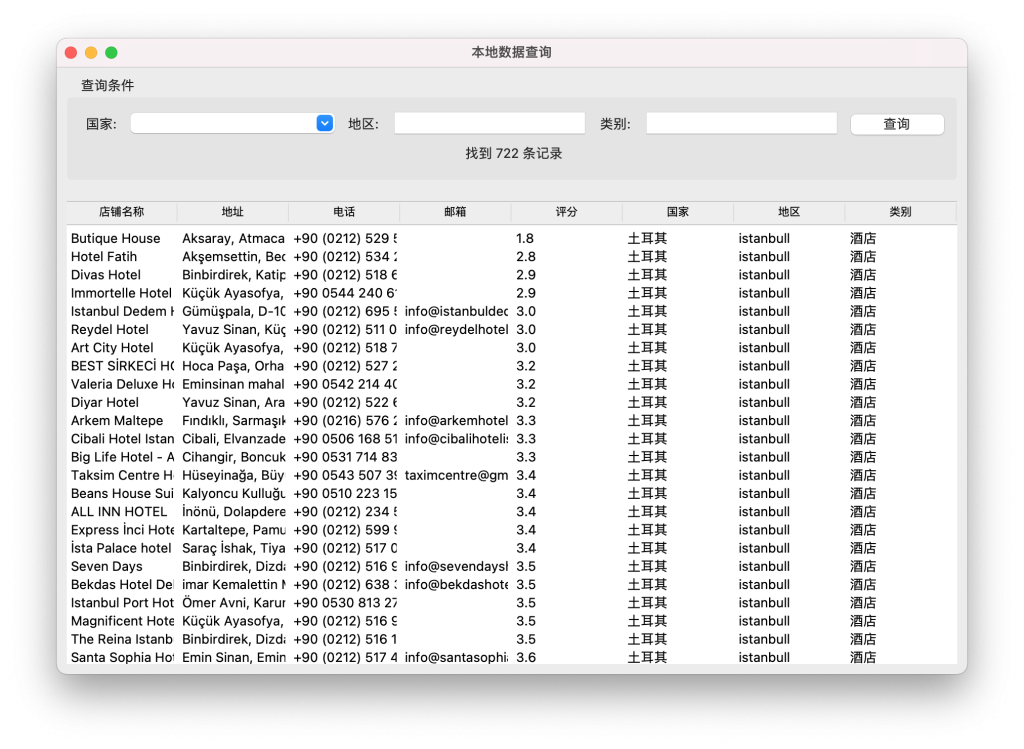
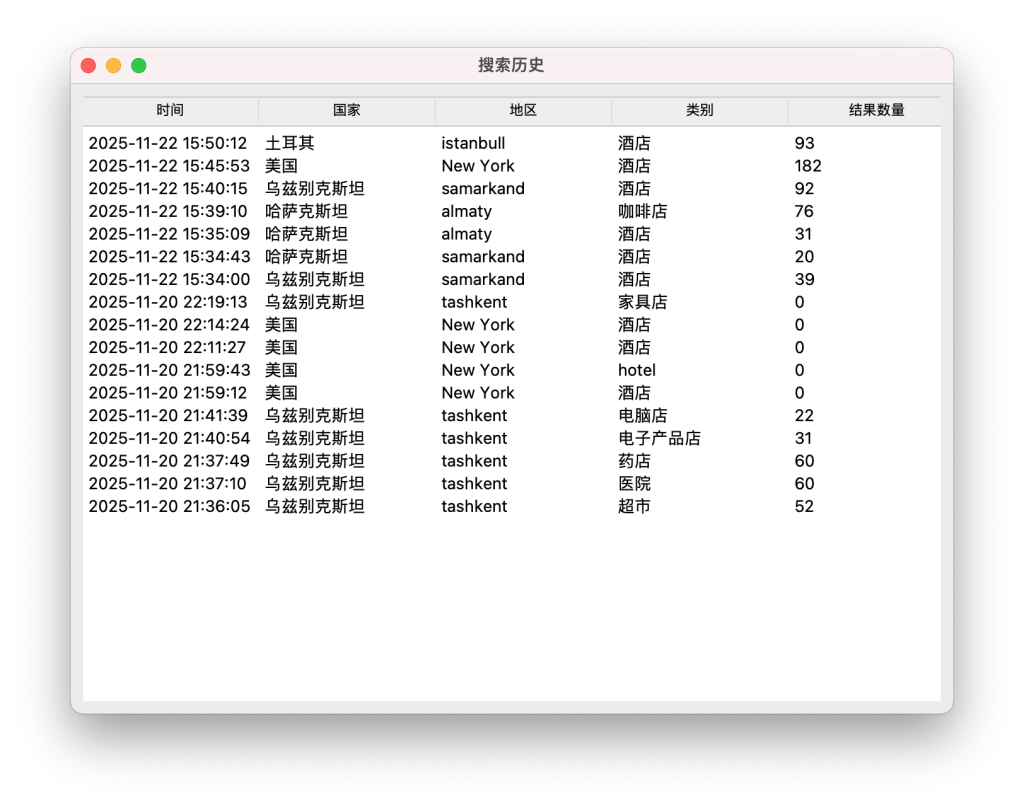
- 数据管理便捷:自动存入 SQLite 本地数据库去重留存,支持一键导出 Excel(规范命名),可通过历史记录或多条件筛选本地数据。
- 高效稳定运行:多线程并行处理 + 智能重试策略,实时展示进度;API 密钥本地保存,跨 Windows/macOS/Linux 平台可用(支持打包为可执行文件)。
三、基础使用
- 输入并保存 Google Maps API 密钥;
- 选择国家、输入地区(支持联想)、选定 / 自定义行业类别;
- 点击 “开始搜索” 查看实时结果,完成后可导出或后续查询。
四、核心优势
开箱即用:支持打包分发,无需 Python 环境。
零代码门槛:可视化界面,无需 API 调用经验;
数据安全:本地存储 + 去重,支持离线回看;
I. Tool Positioning
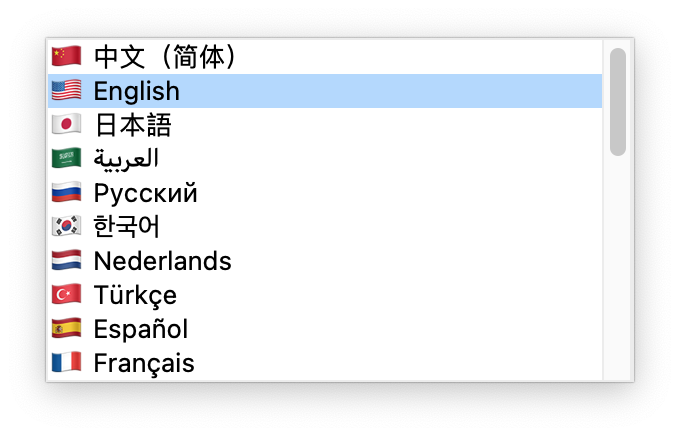
A lightweight desktop GUI tool developed with Python, leveraging the Google Maps API to enable batch search, storage, and export of global store information. Tailored for market research, business analysis, and similar scenarios, it requires no technical background to operate.
II. Core Capabilities
- Global Precise Search: Supports input of country/region names in Chinese and English with automatic ISO-3166 country code resolution. Integrates address autocomplete and built-in industry category mapping (compatible with custom keywords) to enhance search accuracy.
- Comprehensive Data Extraction: Retrieves over 10 fields including store name, full address, phone number (with country code), email, website, rating, business type, latitude/longitude, and Place ID. Basic data is retained even if detailed information fetching fails.
- Convenient Data Management: Automatically stores deduplicated data in a local SQLite database. Enables one-click export to Excel (with standardized file naming) and supports local data filtering via search history or multi-condition queries.
- Efficient & Stable Operation: Features multi-threaded parallel processing and intelligent retry mechanisms with real-time progress display. API keys are saved locally, and the tool supports Windows/macOS/Linux (packagable as an executable file for out-of-the-box use).
III. Basic Usage
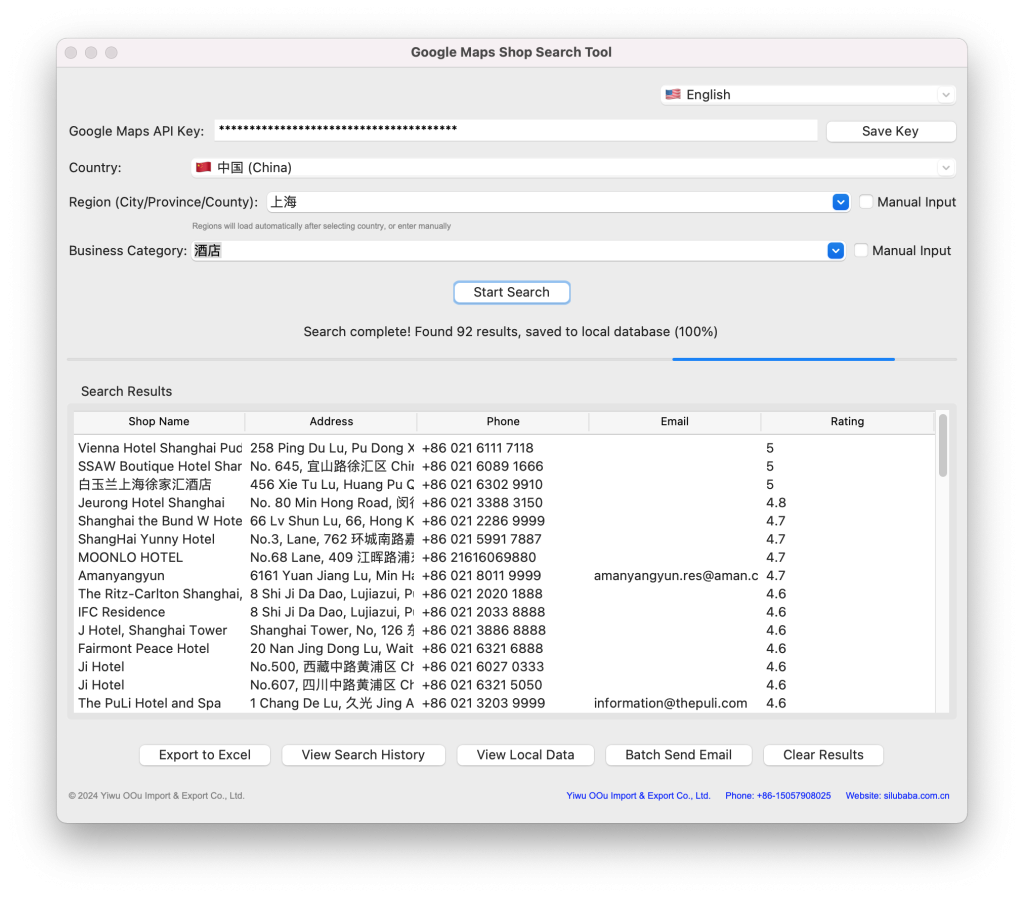
- Enter and save your Google Maps API key;
- Select a country, input a region (with autocomplete support), and choose/customize an industry category;
- Click “Start Search” to view real-time results, then export or query the data as needed.
IV. Core Advantages
- Zero coding required: Visual interface with no API usage experience needed;
- Data security: Local storage with deduplication and offline review support;
- Ready-to-use: Packagable for distribution, no Python environment required.
Translation Notes:
- Term Consistency: Key terms are standardized (e.g., “行业类别” → “industry category”, “本地数据库” → “local database”, “一键导出” → “one-click export”);
- Technical Accuracy: API-related terms retain official naming (e.g., “Place ID”, “ISO-3166 country code”);
- Readability Optimization: Sentence structures are adjusted to align with English technical documentation conventions (e.g., active voice, concise expressions);
- Cultural Adaptation: Region-related descriptions (e.g., “省 / 州 / 县”) are generalized to “region” for global usability, while “含区号” is specified as “with country code” for clarity.