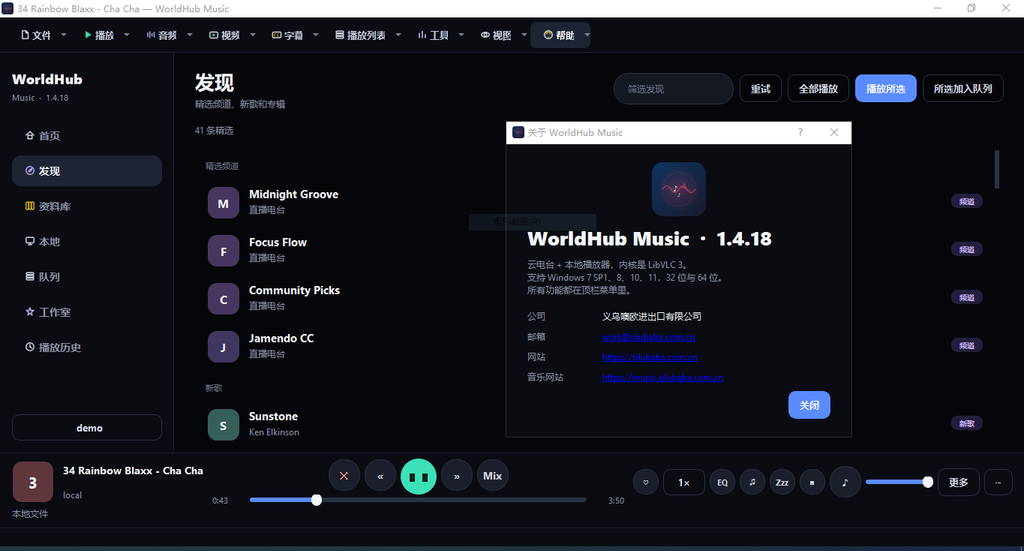
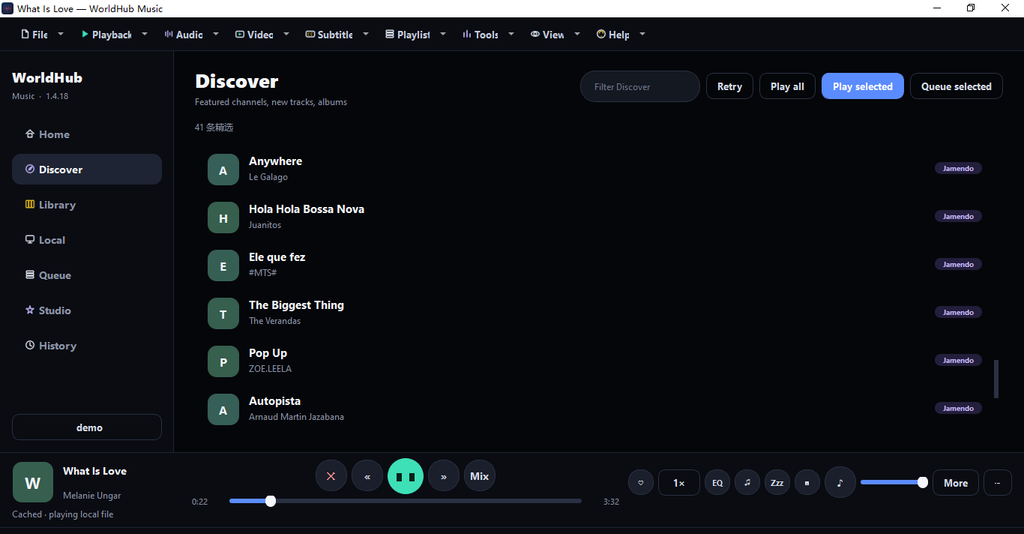
The official website and cloud services are https://music.silubaba.com.cn. The current release version is 1.4.18, published by Yiwu Ouou Import & Export Co., Ltd. It brings web music playback, local file playback, video viewing, and creative studio into one window. Once installed, it’s ready to use, and the target computer doesn’t need to install Python or VLC.
The product covers 32-bit and 64-bit versions of Windows 7 SP1, Windows 8/8.1, Windows 10, and 64-bit of Windows 11. Two installation packages are provided: 64-bit for 64-bit systems from Win7 to Win11; 32-bit is suitable for 32-bit systems and can also be installed compatibly on 64-bit Windows. The installer writes using the current user privileges and generally does not require an administrator. The engine includes LibVLC 3.0.21 and FFmpeg. For hardware decoding, Direct3D 11 is used for Windows 8 and above, and DXVA2 for Windows 7, balancing both old and new monitors.
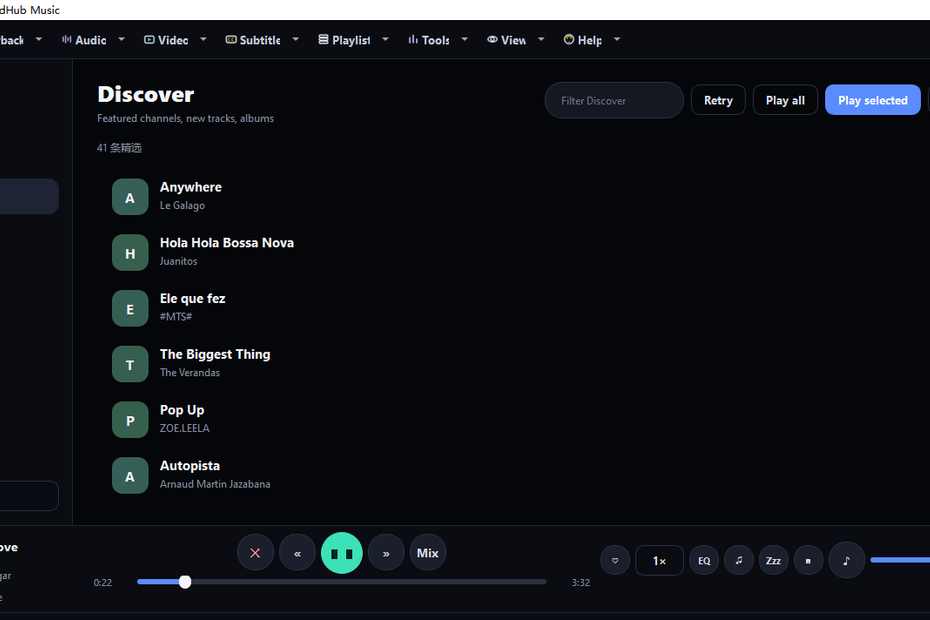
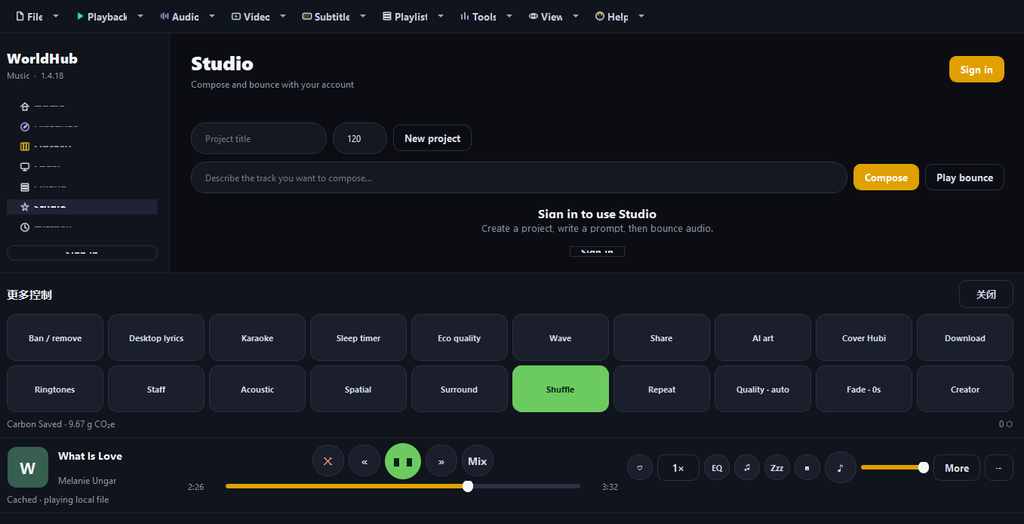
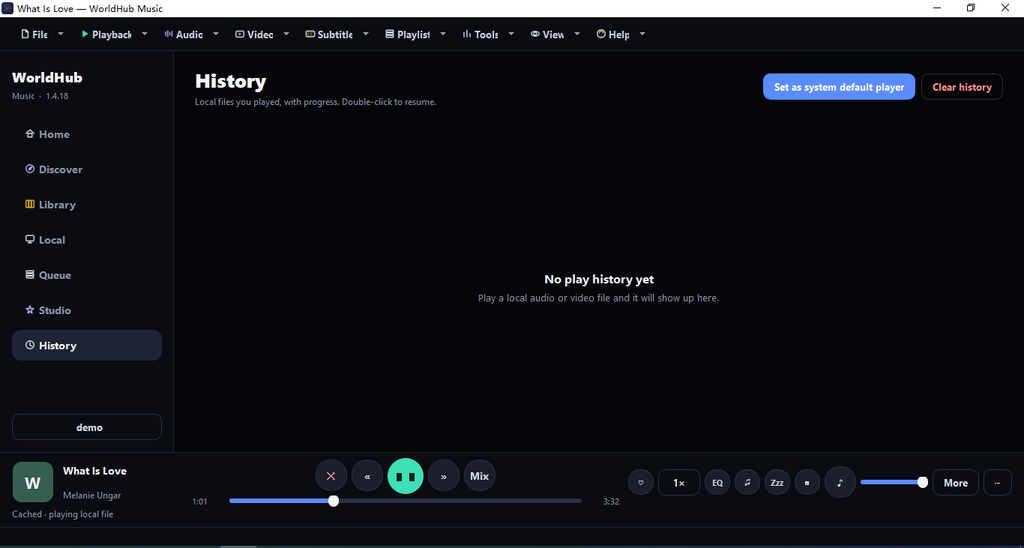
The interface is divided into seven main pages: Home, Discover, Library, Local, Queue, Studio, and Playback History. Switchable between Chinese and English, with dark skin tones. Top bar menu covers opening, playing, screen, sound, tools, and help; The bottom playbar provides progress, volume, playback modes, desktop lyrics, video windows, and more tools. Supports shortcuts such as spacebar pause, multimedia keys, F11 fullscreen, Ctrl+O to open files, and Ctrl+U to open a website, and can also play music in the system tray backend.
Cloud partial connection. You can browse channels and tracks, search, log in to your account, and use the database and studio. Login supports password and SMS verification code. Cloud tracks can be played simultaneously, and after cache hits, they switch to local files; Enable energy-efficient streaming (about 64 kbps) to save data. In case of network abnormalities, you can still play local files without disabling the entire software.music.silubaba.com.cn
The local section is a complete audio and video player. Can open individual files, folders, or network addresses, only recording audio and video, without scanning the entire hard drive. Audio formats include mp3, wav, flac, ogg, m4a, wma, ape, opus, aac, alac; Videos include mp4, mkv, avi, mov, wmv, flv, webm, 3gp, mpeg, mpg. Lists can be filtered by song, album, artist, folder, or video. Playback modes include sequential, list loop, single track loop, and random. Volume, mute, speed boost, equalizer, channels (stereo, left/right, Dolby, etc.), sleep timer, mini player, desktop lyrics, and karaoke are all available. Favorite tracks can be saved locally first, then logged in and then synced with your web account.
Video playback will open a separate screen window, avoiding only sound without visuals. Double-click the screen to enter full screen, then double-click or press Esc to exit; Click Pause or Continue. The menu’s “Show Video Window” and “Full Screen” will display the currently playing footage. Supports picture-in-picture, aspect ratio (16:9, 4:3, 21:9, etc.), window size (up to 1080p), subtitle loading and syncing, screenshots, rotation, and video effects. You can set WorldHub Music as the system’s default audio and video player: on Win7/8, write associations by current user; On Win10/11, the system “Default Apps” settings page will open, allowing users to manually select the options; the program does not change system protection items. Double-clicking an associated file will start or awaken a running program and play automatically; The second instance will redirect the path to the first instance, avoiding multiple windows.
Playback history records up to 200 local clicked audio and video entries, including file name, full path, time, progress, and duration. Double-click to continue from the previous progress. Historical existence, and installation packages will not be deleted when uninstalling. Personal settings, volume, language, login token, etc. are all set in .%AppData%\WorldHubMusic\play_history.json%AppData%\WorldHubMusic\settings.json
Advanced skills focus on creation and learning. Studio requires login: compose music, listen to finished works, and export them according to text prompts. Staff Staff Export analyzes melodies from current playback (local files or platform streams), generating staff notation with clef, key signature, measure, song title, platform name, and watermark. It can save PNG, multi-page PDFs or MusicXML, and automatically paginates long songs. There are also tools like local ringtone cropping (about 30 seconds), equalizer, lyric screenshots, sharing the current track, and clipboards. Hub Coins and other account capabilities are displayed after logging in.
Installation and distribution are designed as complete packages. The installer writes the Start menu, optional desktop shortcuts, and registers the software as a candidate for audio and video “opening mode.” The actual running is in the installation directory, and there must be 、、、 and .WorldHubMusic.exepython38.dlllib\vlc\dll\config.ini
The positioning of the WorldHub Music desktop version is clear: the same interface can connect to cloud radio and serve as the default local player; You can listen to music and watch videos, as well as score composition and simple creation. For computers still running Windows 7 and those already upgraded to Windows 11, it uses the same product line, reducing the fragment of “web playback but desktop playback” or “only local playback but no platform connection.” Open the https://music.silubaba.com.cn to learn about the cloud music library and account services, then use the corresponding 32-bit or 64-bit installation package to get a complete WorldHub Music desktop experience on Windows.